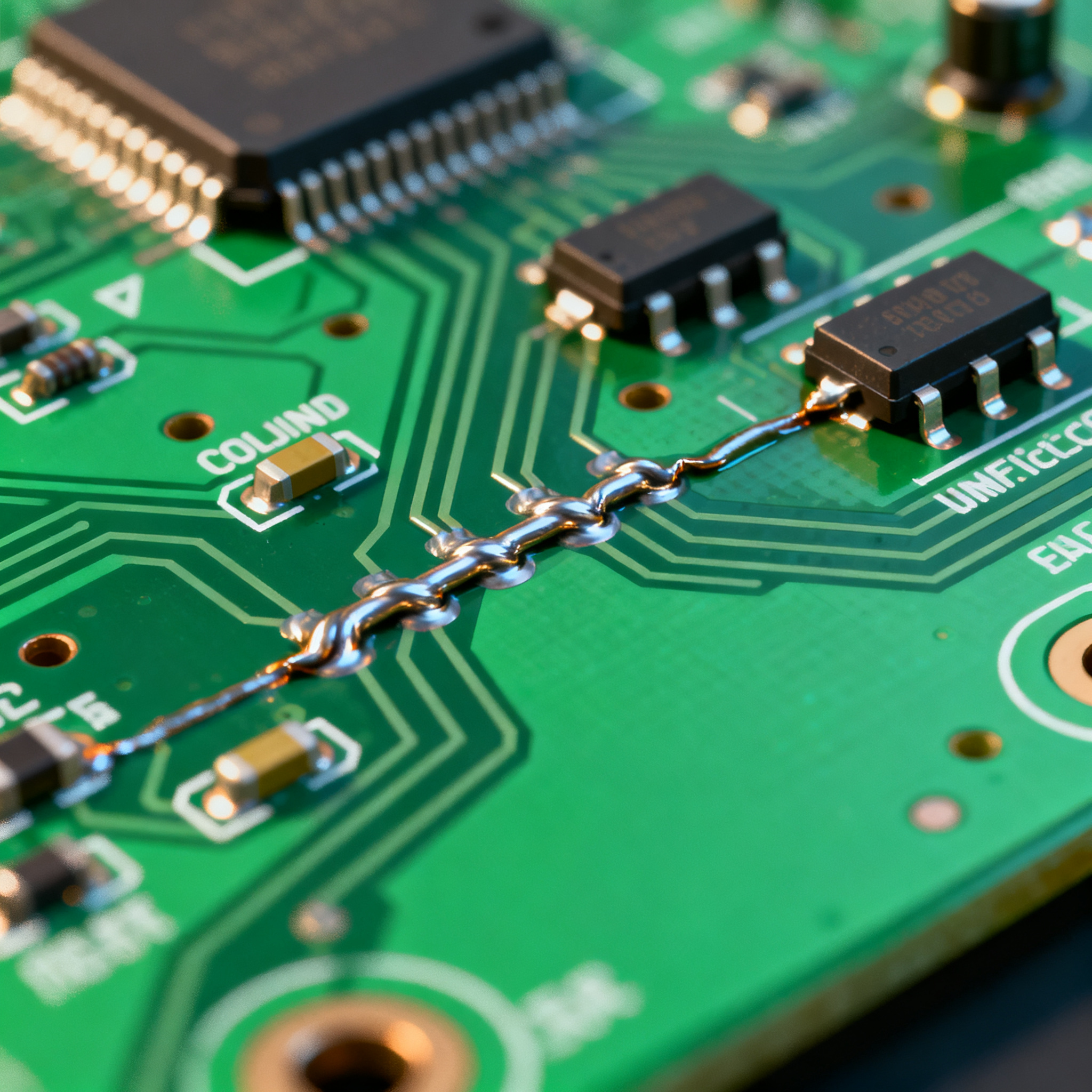
Troubleshooting Common PCBA Soldering Defects: A Guide for Efficient Resolution
Troubleshooting Common PCBA Soldering Defects: A Guide for Efficient Resolution table { border-collapse: collapse; width: 100%; margin: 20px 0; } th, td { border: 1px solid #ddd; padding: 8px; } th { ...
Introduction
In the electronics manufacturing industry, the integrity and performance of Printed Circuit Board Assemblies (PCBAs) are critical. Soldering defects can lead to significant challenges, from functional failures to reduced product longevity. Understanding and troubleshooting these defects is essential for maintaining quality and efficiency in production. This guide aims to provide in-depth insights into the common soldering defects in PCBAs, focusing on integrated circuit (IC) components, and offers practical solutions for their resolution.
Technical Overview
The assembly of PCBAs involves the precise placement and soldering of various components onto a printed circuit board (PCB). The soldering process is crucial as it ensures electrical connectivity and mechanical stability. Common soldering defects include poor wetting, cold joints, and bridging, which can occur due to various factors such as improper temperature control, solder paste issues, or component misalignment. To effectively troubleshoot and resolve these defects, a thorough understanding of the core concepts of PCBA design, the architecture of the assembly process, and the principles of soldering are necessary.
Key elements in the soldering process include the selection of appropriate solder materials, maintaining optimal reflow profiles, and adhering to industry standards such as those set by the IPC. These standards provide guidelines for acceptable soldering quality and inspection criteria, ensuring that the final product meets the required performance and reliability standards.
Detailed Specifications
When dealing with IC components in PCBAs, several specifications are critical for ensuring proper function and integration. These include CPU speed, memory capacity, peripheral compatibility, power requirements, and packaging types. Understanding these specifications helps in selecting the right components for a given application and in diagnosing potential issues during assembly.
| Specification | Details | Importance |
|---|---|---|
| CPU Speed | 1.2 GHz | Determines processing capability |
| Memory | 4 GB DDR4 | Influences data handling capacity |
| Peripherals | USB 3.0, HDMI | Expansion and connectivity options |
| Power Supply | 5V DC | Ensures stable operation |
| Package Type | BGA | Space efficiency and thermal performance |
| Operating Temperature | -40°C to 85°C | Environmental resilience |
| Storage Capacity | 128 GB SSD | Data storage and retrieval |
| Clock Speed | 2.4 GHz | Overall system speed |
| Dimensions | 35mm x 35mm | Fit within design constraints |
| Weight | 15g | Influences mechanical design |
| Interface | I2C, SPI | Communication with other components |
Key Takeaways from the Specifications
The core specifications outlined above are fundamental in determining the suitability of an IC component for a particular application. CPU speed and memory directly impact the processing power and efficiency of the device, while peripheral options such as USB and HDMI enhance connectivity. Power supply and packaging type are crucial for ensuring the component's reliability and ease of integration into the system. By understanding these specifications, engineers can make informed decisions about component selection and anticipate potential challenges during the assembly process.
| Characteristic | Specification | Significance |
|---|---|---|
| Operating Voltage | 1.8V - 3.3V | Ensures proper operation within power limits |
| Current Consumption | 500 mA | Impacts battery life and thermal management |
| Input/Output Logic Levels | TTL compatible | Ensures compatibility with other devices |
| Signal Timing | 5 ns rise/fall time | Affects data transmission speed |
| Output Current | 20 mA per I/O | Determines drive capability |
| Leakage Current | 1 µA | Influences power efficiency |
| Thermal Resistance | 50°C/W | Critical for heat dissipation |
| Noise Margin | 0.4V | Ensures signal integrity |
| Junction Temperature | 125°C max | Limits for safe operation |
| Propagation Delay | 10 ns | Impacts circuit speed |
| Power Dissipation | 250 mW | Energy efficiency considerations |
Practical Implications
The electrical characteristics of IC components are crucial for ensuring they operate effectively within the designed parameters. Voltage and current specifications must be adhered to prevent damage and ensure longevity. Signal timing and output current affect the overall performance and efficiency of the device. Understanding these characteristics allows engineers to design circuits that are both reliable and efficient, minimizing the risk of failures due to electrical overstress or thermal issues.
| Application | Configuration | Benefits |
|---|---|---|
| Consumer Electronics | Standard CPU, 4GB RAM | Cost-effective and efficient |
| Industrial Automation | Ruggedized components, high durability | Reliability in harsh environments |
| Automotive Systems | High-speed interfaces, low latency | Enhanced safety and performance |
| Medical Devices | Low power, high precision | Critical for patient safety |
| Telecommunications | High bandwidth, robust connectivity | Supports large data transmissions |
| Data Centers | High-performance CPUs, large storage | Scalable and efficient |
| IoT Devices | Low power, wireless capabilities | Seamless connectivity and energy efficiency |
| Embedded Systems | Compact design, versatile interfaces | Flexibility in design and application |
Application Guidelines
The application comparison table highlights the diverse use cases for IC components in PCBAs. Each application requires specific configurations to maximize performance and efficiency. For instance, consumer electronics prioritize cost-effectiveness, while industrial automation demands durability. Understanding the requirements of different applications allows engineers to tailor component selection and configuration to meet specific needs, ensuring optimal functionality and reliability.
Design Considerations
Designing a PCBA involves several critical considerations to ensure successful implementation and long-term reliability. The first step is selecting the right components based on the specifications and electrical characteristics discussed earlier. This involves understanding the operating environment, performance requirements, and cost constraints. Engineers must also consider the thermal management of the assembly, ensuring that components are adequately cooled to prevent overheating.
The layout of the PCB is another crucial factor. Proper component placement and routing of traces can minimize signal interference and reduce the risk of defects such as solder bridging. Adhering to design rules and standards, such as those provided by the IPC, helps in achieving a well-optimized layout. Additionally, the choice of solder materials and reflow profiles must be carefully matched to the components and board materials to ensure proper soldering without damaging the components.
Testing and inspection are integral parts of the design process. Implementing design for testability (DFT) features can facilitate easier testing and debugging. This includes adding test points, using boundary scan techniques, and ensuring accessibility for inspection tools. By considering these design aspects, engineers can enhance the manufacturability and reliability of PCBAs.
Step-by-Step Implementation
Implementing a PCBA with IC components involves several detailed steps, each crucial for ensuring a successful outcome. Below is a step-by-step guide to the implementation process:
- Component Selection: Begin by selecting components that meet the required specifications and are suitable for the intended application. Consult datasheets and application notes to ensure compatibility.
- Schematic Design: Create a detailed schematic that accurately represents the circuit. Ensure all connections are correct and include test points for debugging.
- PCB Layout: Design the PCB layout, focusing on component placement and trace routing. Adhere to design rules to minimize interference and optimize performance.
- Prototype Fabrication: Fabricate a prototype PCB to test the design. This step helps identify potential issues before mass production.
- Assembly: Assemble the components onto the PCB. Use automated soldering techniques to ensure consistency and quality.
- Testing: Conduct thorough testing to verify functionality. Utilize in-circuit testing and functional testing to ensure all components operate as intended.
- Inspection: Inspect the assembled PCB for defects such as poor solder joints or misaligned components. Use automated optical inspection (AOI) systems for accuracy.
- Iterate and Improve: Based on testing and inspection results, make necessary adjustments to the design and process. Iterate on the prototype to refine the final product.
Common Issues & Solutions
During the assembly of PCBAs, several common issues may arise. Here are some real problems and their solutions:
- Poor Wetting: Ensure the solder paste is fresh and the board is properly preheated to promote better solder flow.
- Cold Joints: Adjust the reflow profile to ensure adequate heat is applied to form strong solder joints.
- Solder Bridging: Verify stencil design and solder paste application to prevent excess solder deposition.
- Tombstoning: Ensure balanced thermal profiles and component placement to prevent uneven soldering forces.
- Component Misalignment: Calibrate pick-and-place machines and use fiducials for accurate component placement.
- Insufficient Solder: Check the solder paste volume and stencil thickness to ensure enough solder is applied.
Applications & Use Cases
IC components in PCBAs are used across a wide range of applications. In consumer electronics, they enable compact and efficient designs for smartphones and tablets. In industrial automation, ruggedized components provide reliability in harsh environments. Automotive systems benefit from high-speed interfaces that enhance safety and performance. Medical devices rely on low-power, high-precision components to ensure patient safety. Each use case demands specific configurations to meet unique performance and reliability requirements.
Selection & Sourcing Guide
Selecting and sourcing IC components requires careful consideration of specifications, availability, and cost. It's crucial to source components from reputable suppliers to ensure quality and authenticity. For sourcing, visit resources like IC Online which offer a wide range of components and detailed information on their specifications and availability.
FAQ
- What is the most common soldering defect in PCBAs? Poor wetting is one of the most common defects, often caused by insufficient heat or contaminated surfaces.
- How can I prevent solder bridging? Ensure accurate stencil design and control the solder paste volume to prevent excess solder deposition.
- What role do IPC standards play in PCBA manufacturing? IPC standards provide guidelines for quality assurance and help ensure reliability and performance in PCBAs.
- Why is thermal management important in PCBAs? Effective thermal management prevents overheating, which can damage components and reduce the lifespan of the PCBA.
- How do I select the right IC component for my application? Consider the specifications such as CPU speed, power requirements, and peripheral compatibility to ensure the component meets your application's needs.
- What is the significance of the reflow profile in soldering? The reflow profile determines the heating and cooling rates, which are critical for forming reliable solder joints.
- Can I use manual soldering for IC components? While possible, manual soldering is not recommended for high-density IC components due to the risk of defects and inconsistency.
- What testing methods are used for PCBAs? In-circuit testing and functional testing are commonly used to verify the performance and reliability of PCBAs.
- How can I improve the assembly process for better quality? Implement design for manufacturability (DFM) principles and use automated inspection systems to enhance quality.
- What is the importance of component sourcing? Sourcing from reputable suppliers ensures the authenticity and quality of components, which is crucial for the overall reliability of the PCBA.
Conclusion
In conclusion, understanding and addressing common soldering defects in PCBAs is essential for ensuring the quality and reliability of electronic assemblies. By focusing on the critical specifications, electrical characteristics, and application guidelines, engineers can make informed decisions that lead to successful implementations. Adhering to industry standards and utilizing proper design and assembly techniques can significantly reduce defects and enhance the performance of PCBAs. This guide provides a comprehensive overview to aid engineers in troubleshooting and resolving soldering issues efficiently.